

- FarmRecord each crop cycle from planting to harvest.
See what each crop cost youNumber and grade every harvest batch
- ProductionTurn materials into finished goods.
A recipe for each product, waste allowed forOrders checked against your stock
- TradeSell at the counter or on credit.
A sales counter with barcode scanner and receiptsWho owes you, and for how long
- EcosystemNo business trades alone.
Marketplace: sell to business buyersLogistics: request a delivery, see who covers your route
Own Your Business
One record of your business that you can trust and act on.
Start with the pillar you run.
-

Farm
Record each crop cycle from planting to harvest.
Explore Farm -

Production
Turn materials into finished goods.
Explore Production -
Trade
Sell at the counter or on credit.
Explore Trade
Farm
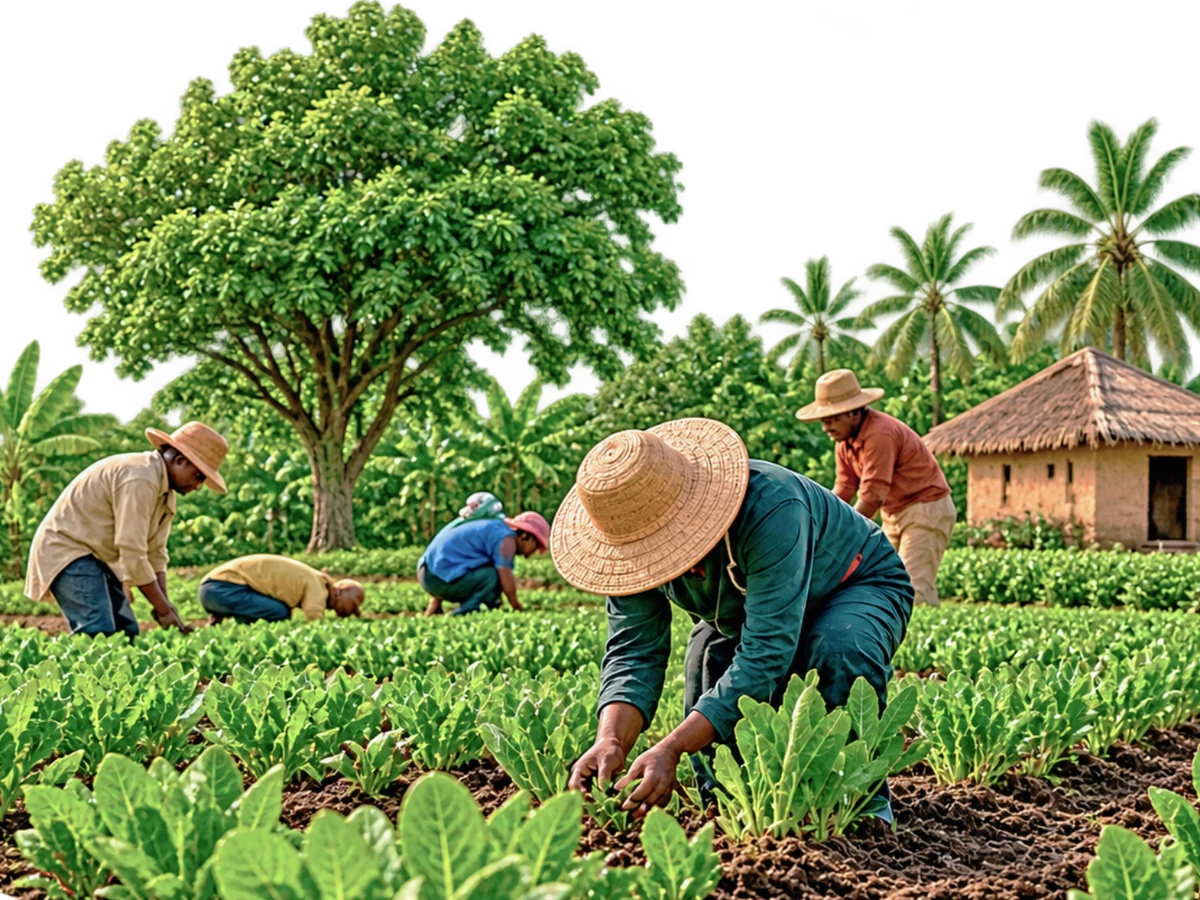
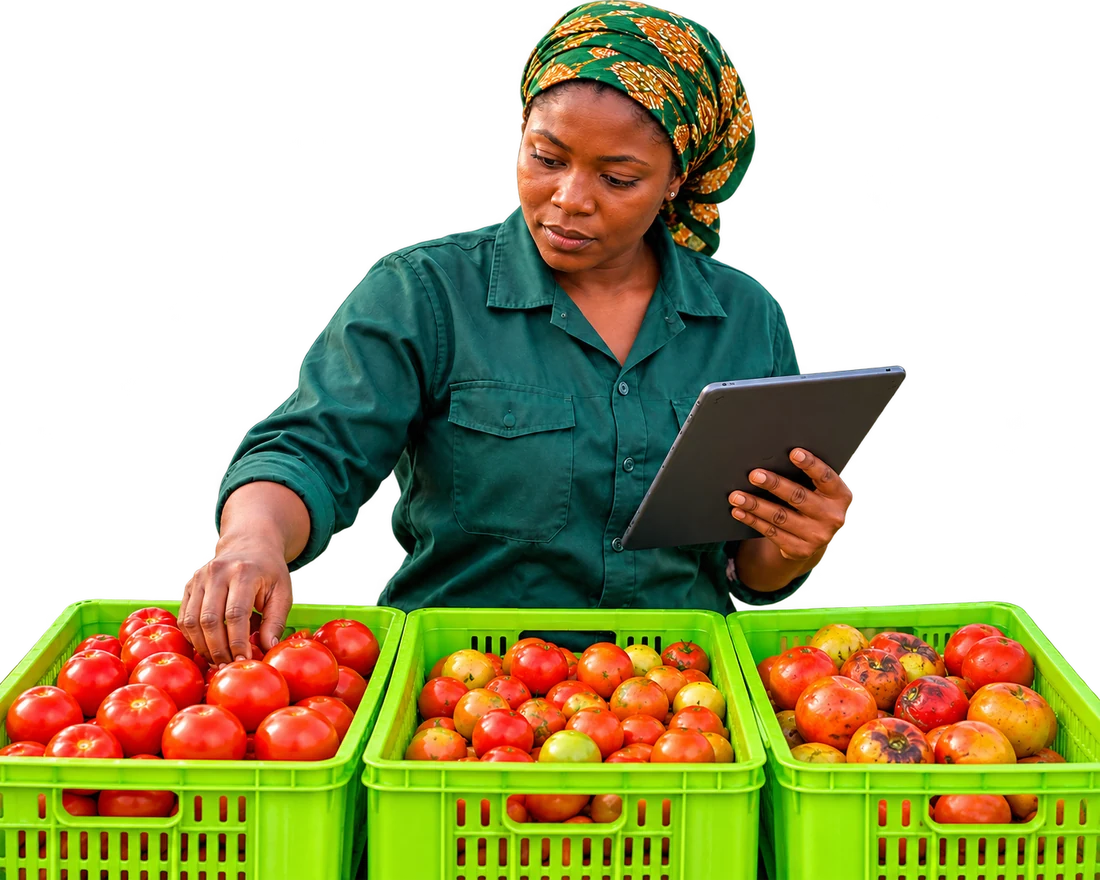
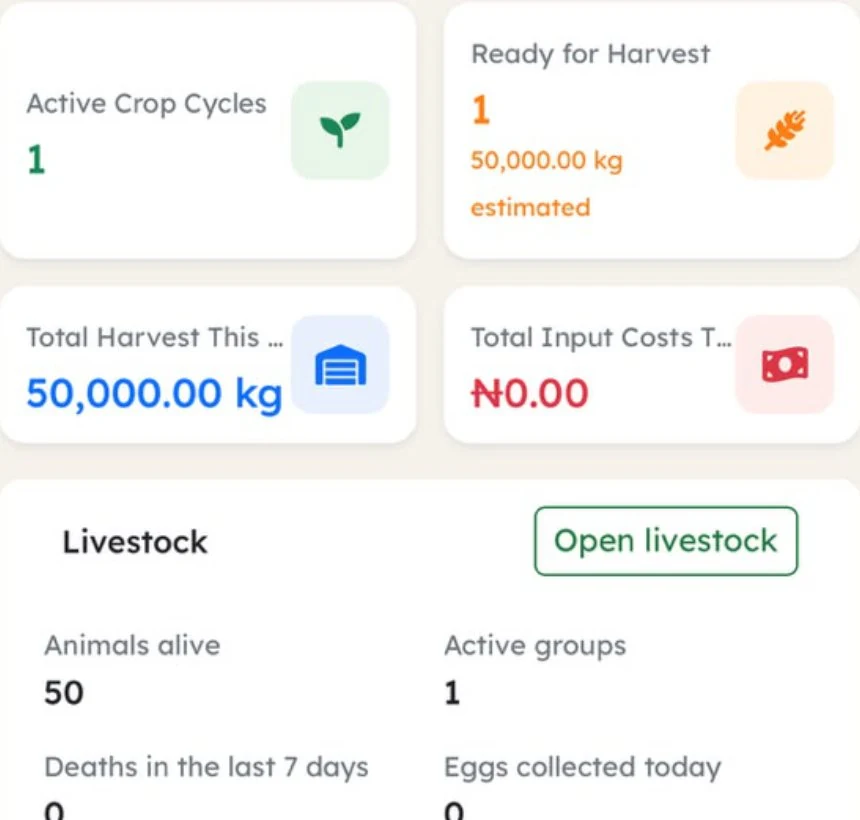
Plan a crop cycle, record inputs as you buy and use them, then record each harvest batch with its grade.
- Crop cycles from planting to harvest
- Input costs recorded against the crop they were spent on
- Harvest batches with a number and a grade: A, B, C or Reject
- Offtake agreements: the buyer, the quantity and the price
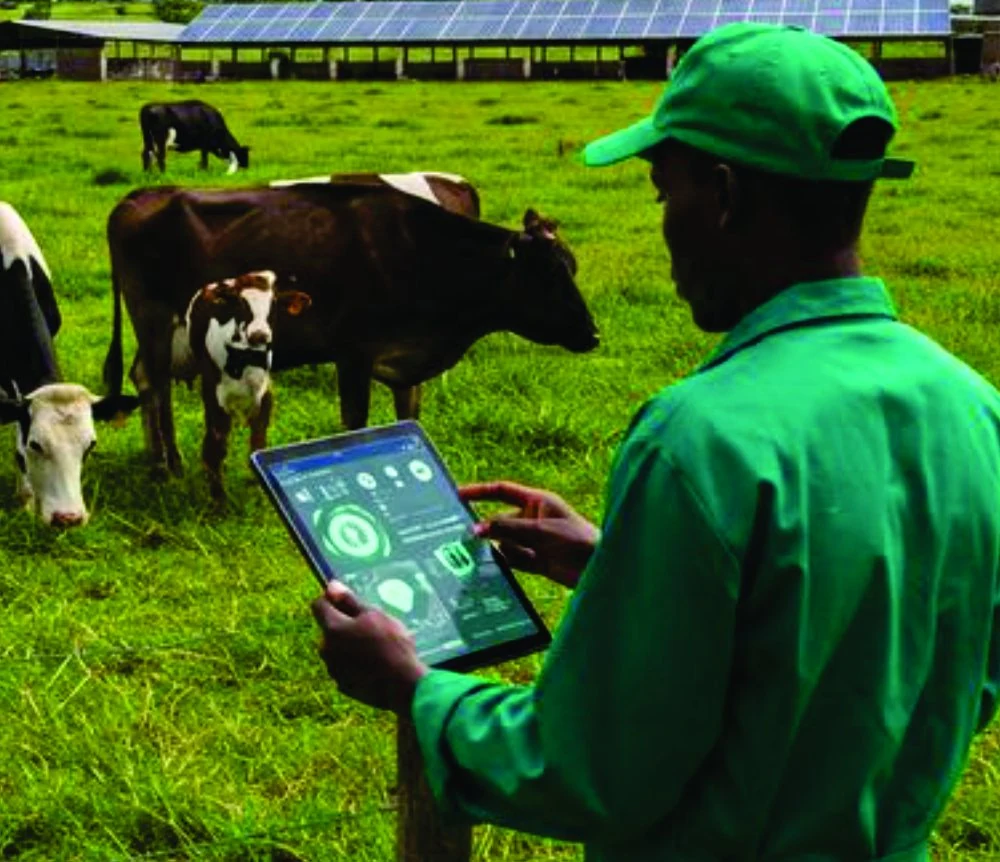
- Flocks, herds and ponds too, with their feed and losses

Production
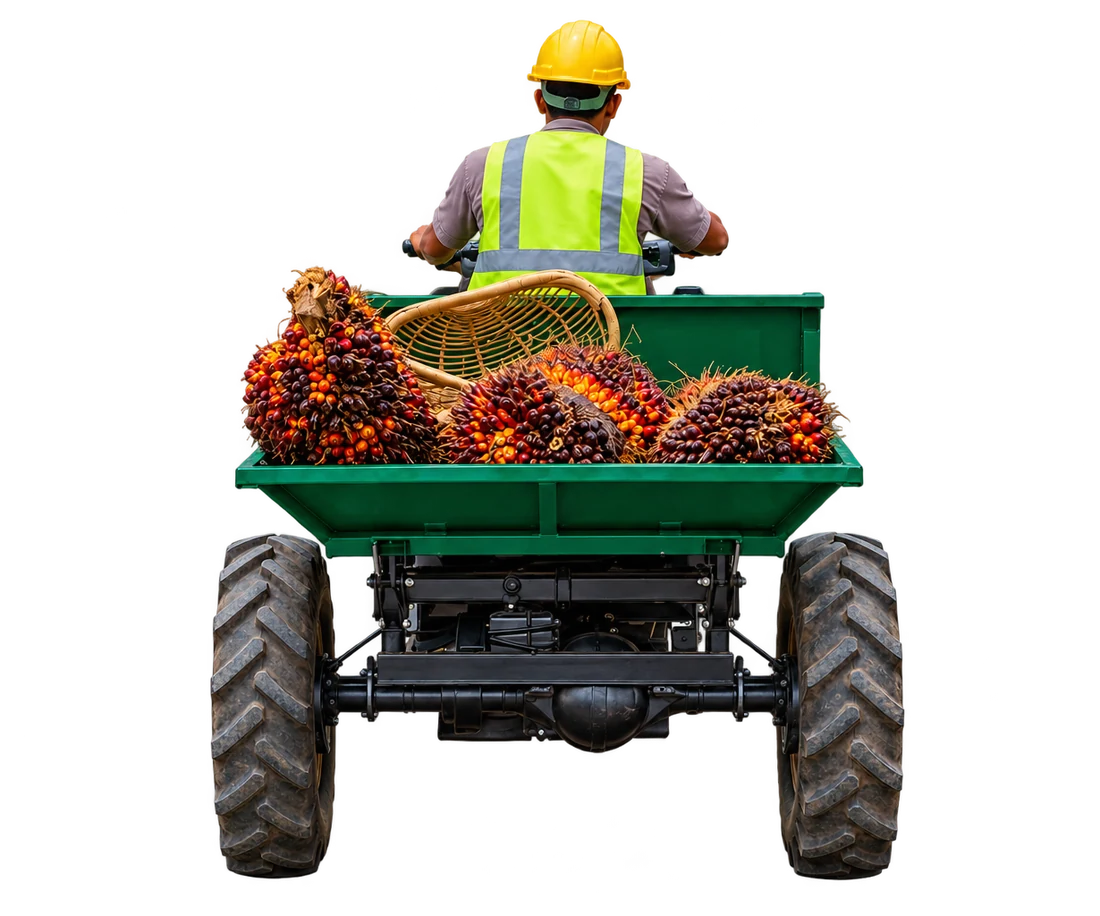
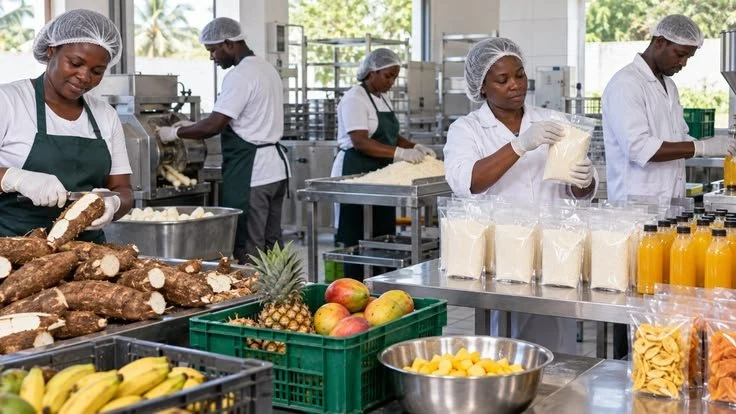
Set a recipe, start a production order, use materials from stock and receive the finished goods.
- One recipe for each product, with an allowance for waste
- Production orders, checked against what is in stock
- Materials taken from stock as they are used
- Finished goods received into stock, ready to sell
- Efficiency, material yield and recipe use reports

Trade
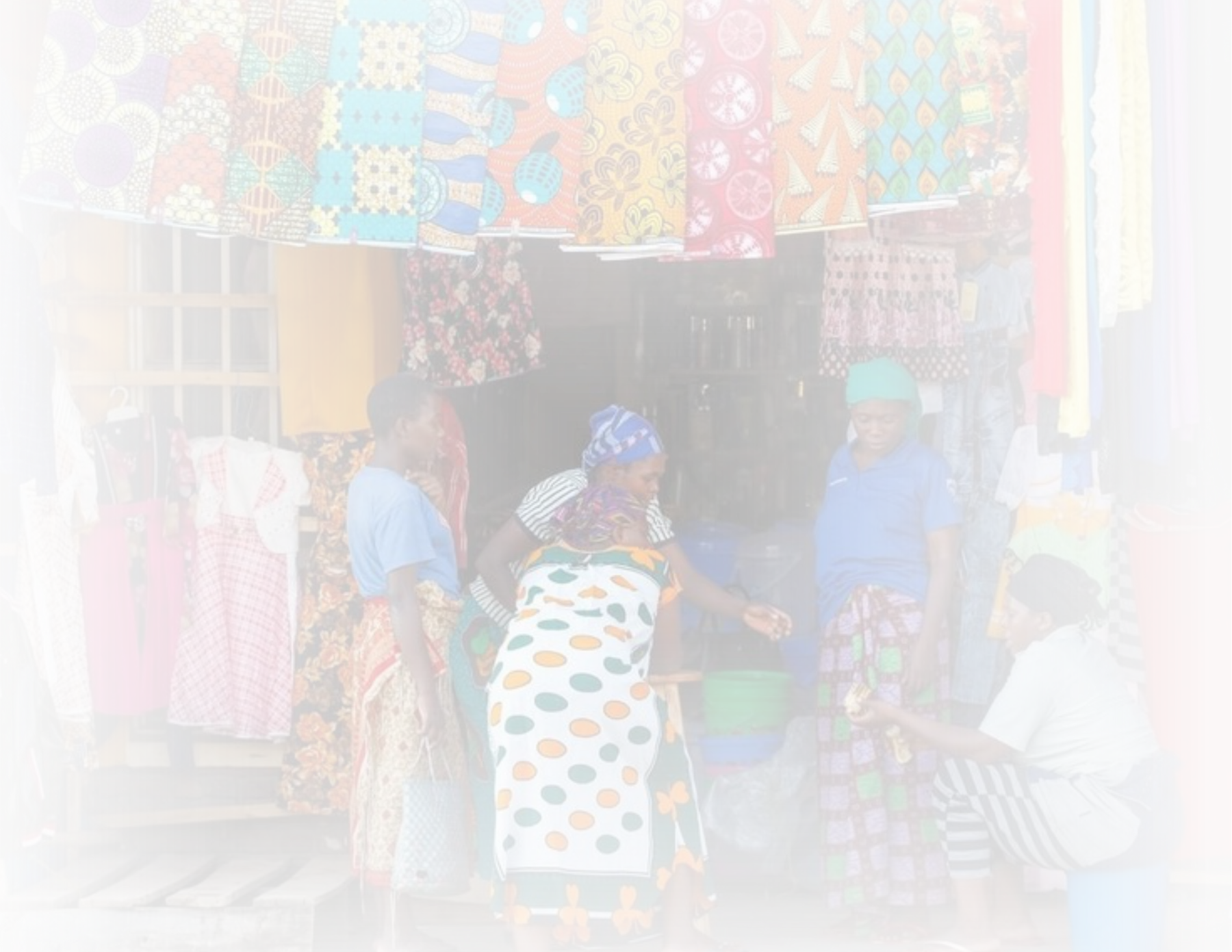
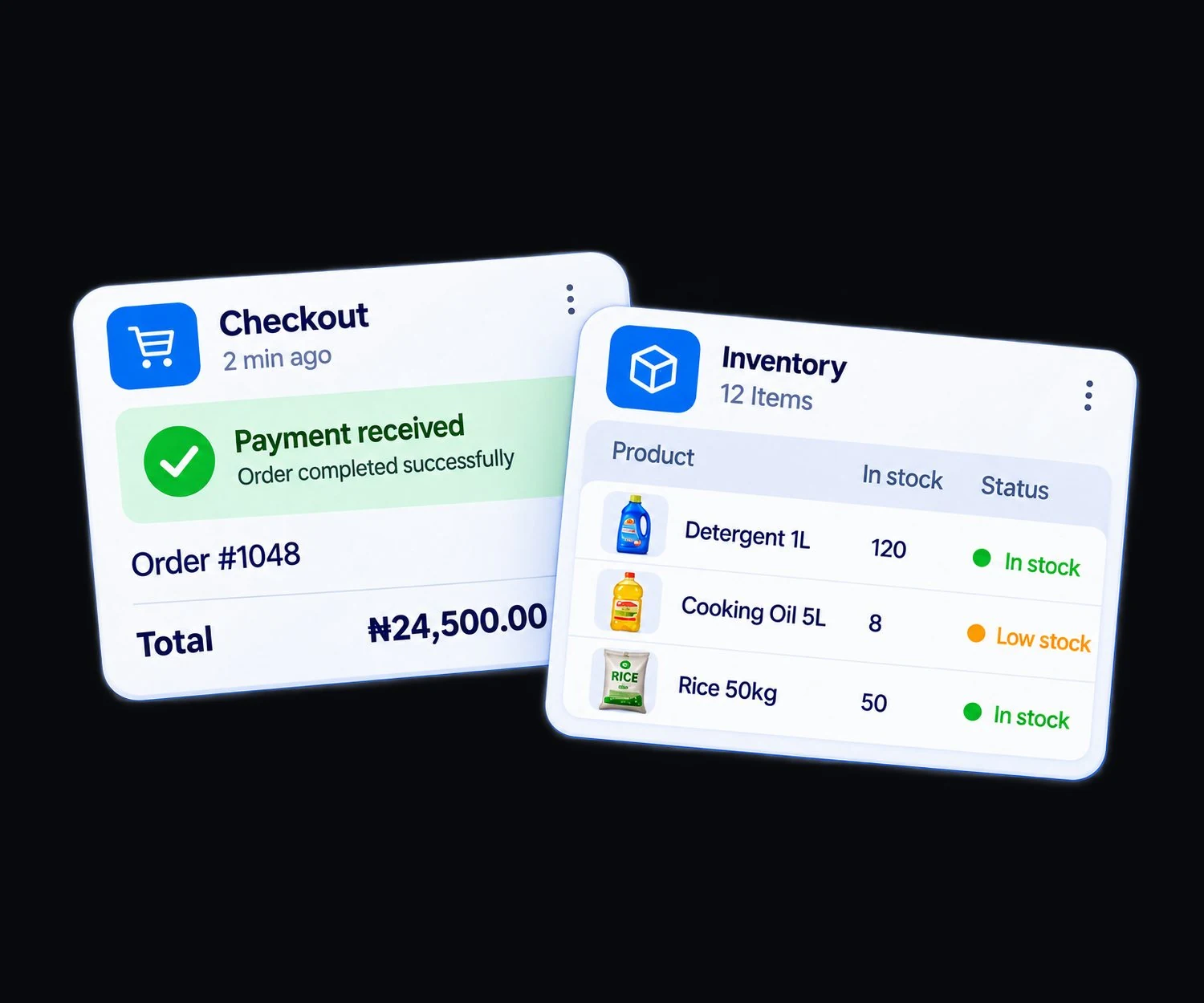
Receive stock, sell at the counter or on credit, and buy again from your suppliers.
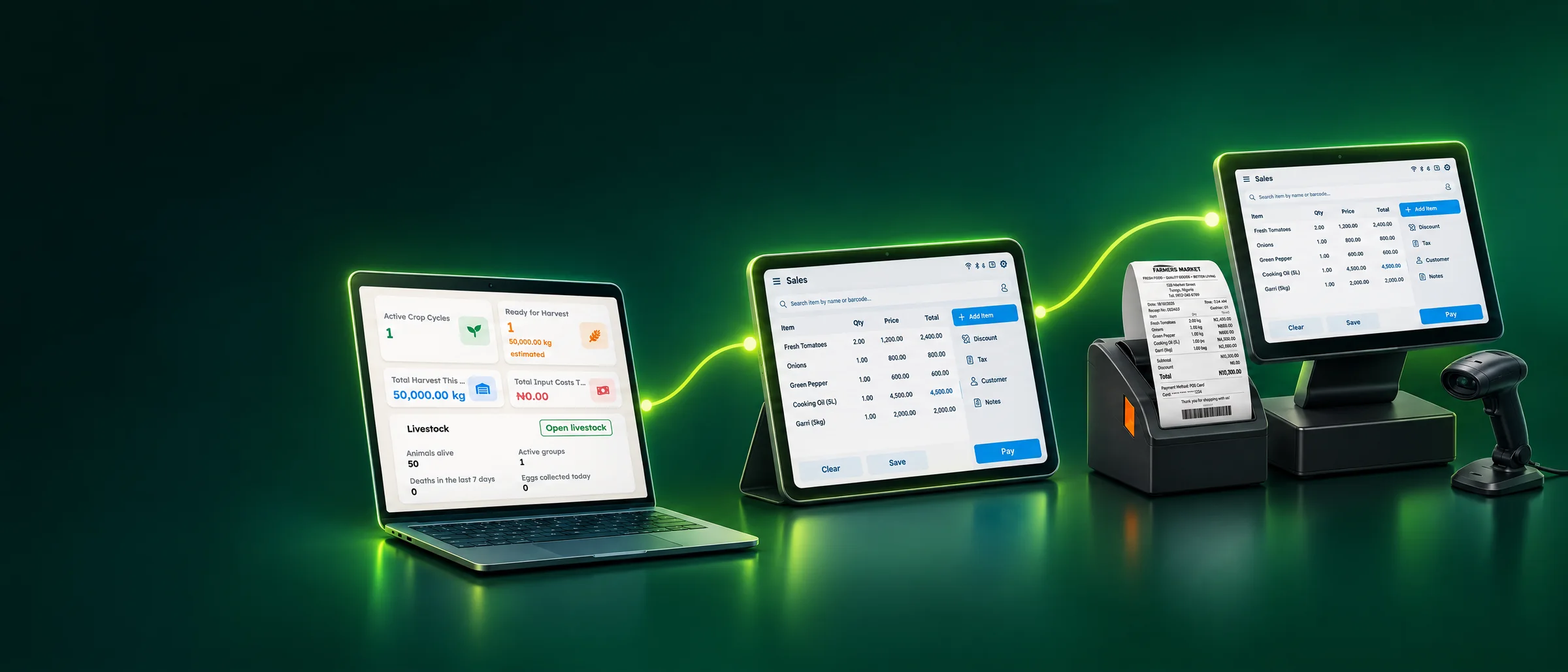
- A sales counter with barcode scanner and receipt printing
- Cash and credit sales, part payments and returns
- Stock in every warehouse, with transfers and adjustments
- Purchases from suppliers, with part payments
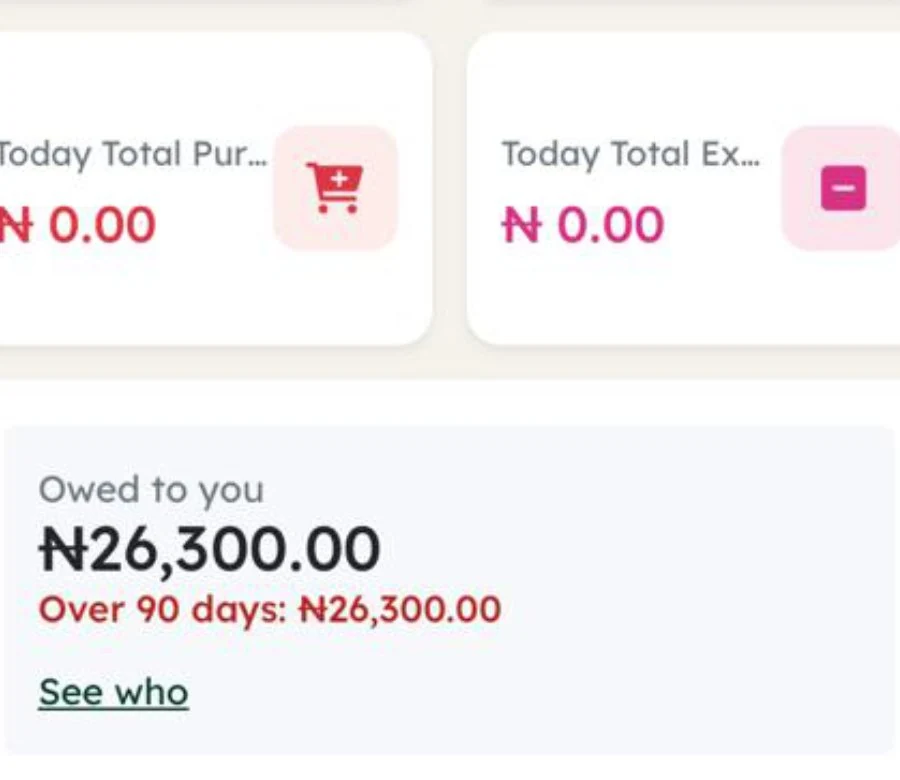
- Who owes you, and for how long

No business trades alone.
-
Marketplace
List your products for business buyers to order and track each delivery.
Explore Marketplace -
Logistics
Request a delivery and see the providers who cover your route.
Explore Logistics -
Consumption
For schools, NGOs and offices that use their stock instead of selling it.
Explore Consumption
How the three connect
They share one account, so the next step starts from the records of the last.
- Turn your produce into packaged goods with recipes and production orders
- Finished goods go into the stock your shop sells from
- Sell a made-to-order product and its recipe materials leave stock at that moment
- Every customer who owes you is listed with the balance
Pay for what you use
Pay monthly, quarterly or yearly, and move up only when you outgrow your plan.
- Your first plan is free
- Card and bank payments through Flutterwave
- Top up from ₦1,000. A top-up is credited once, even if Flutterwave tells us twice
Straight answers before you sign up.
Yes. Pick one module when you sign up, for example Seller for a shop or Farmer for a farm. You can add more modules later from your account.
Yes. Each one works on its own. You turn on only the ones your business needs, and you can add the others later.
Yes. One sign-in can hold several businesses, and you switch between them from the menu. Each business keeps its own modules and records.
AADOPS runs in a web browser on a phone, tablet or computer, and you can add it to your phone home screen. It saves to your account as you work, so keep a data connection on. At the counter, a barcode scanner that types like a keyboard works with the sales screen, which is easiest to use on a tablet or computer.
You can start on Starter, which is free. Paid plans add more products, staff and roles, and you can pay monthly, quarterly or yearly. Paid plans include a free trial of 30 days. No payment is taken during the trial. Each account can use one free trial. You pay with Flutterwave. Every price is on the pricing page.
Every new account gets a welcome email and a setup checklist, and the user guide explains each task step by step. Inside your account, Get help finds the right guide as you type, and you can send us a ticket if you still need help. If you would like a person to show you around, book a walkthrough and we will contact you.
Still have a question about your business? Talk to the AADOPS Team