
You plan crops by season
You want each crop cycle, its land area and its status in one list.
From planting day to the last harvest batch.
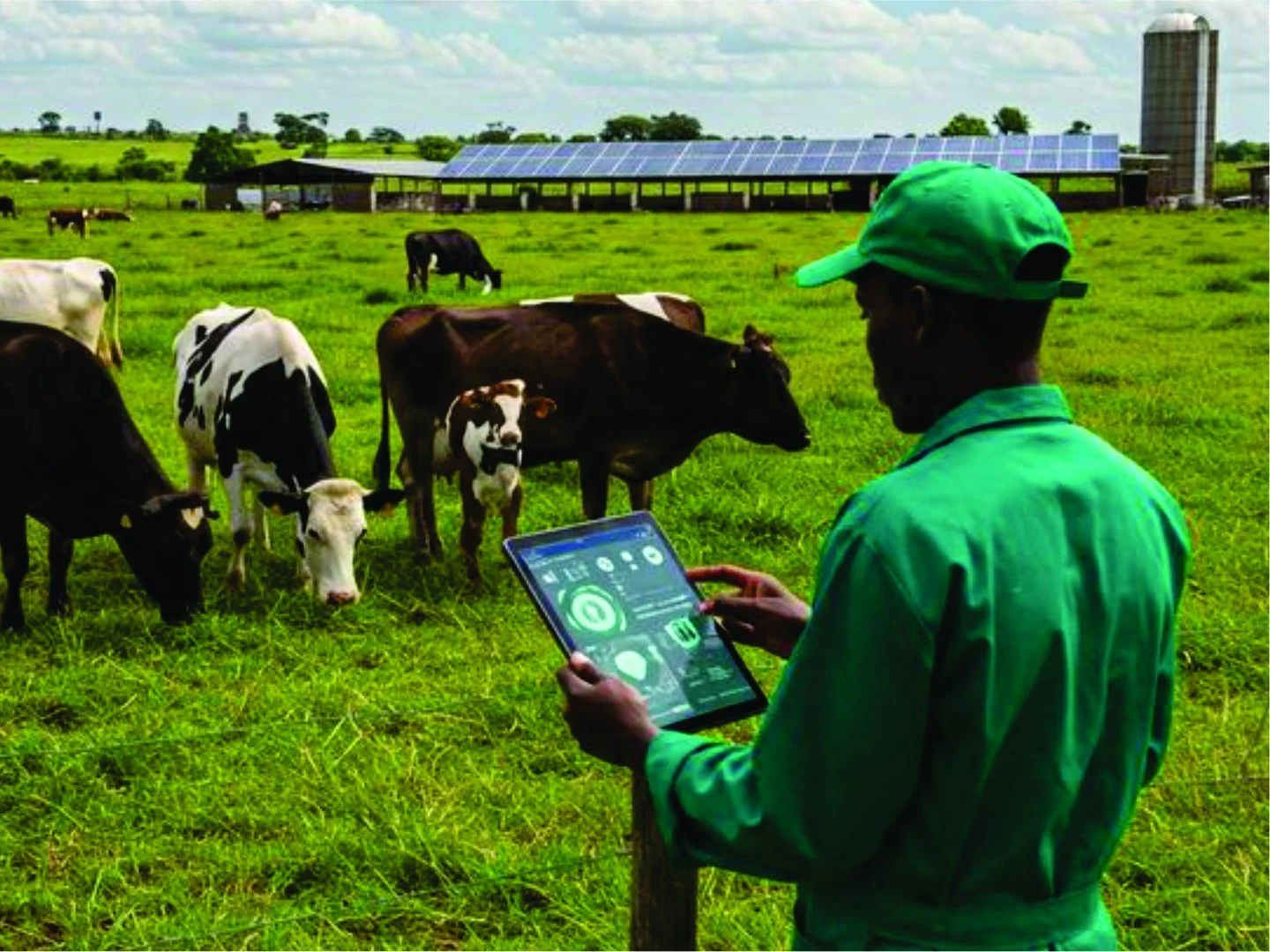
Record each crop cycle and every input you buy. Grade each harvest batch and see how much produce is ready to sell. Keep your flocks, herds and ponds here too, with what each animal has cost you.
You want each crop cycle, its land area and its status in one list.
Seed, fertiliser, labour and equipment costs add up and you want them recorded against the right crop.
You want to know how many kilograms are ready and of what grade.
Choose the crop and season, enter the planting date and land area.
Add seed, fertiliser, labour and equipment costs as you spend.
Record each harvest batch with its weight and grade.
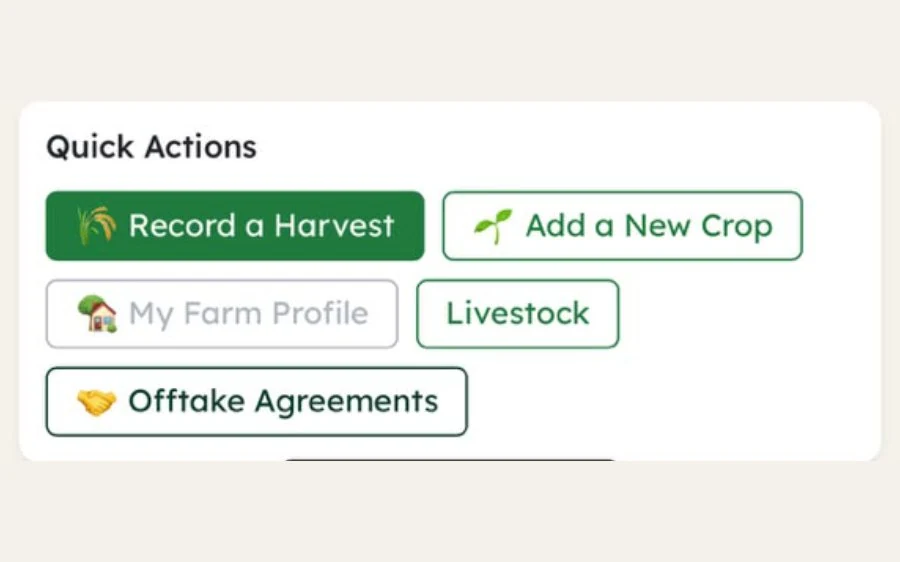
Agree an offtake with a buyer, or list a batch in the Marketplace.
Each harvest batch with its weight, its grade and the kilograms still ready to sell. The figures are sample data.
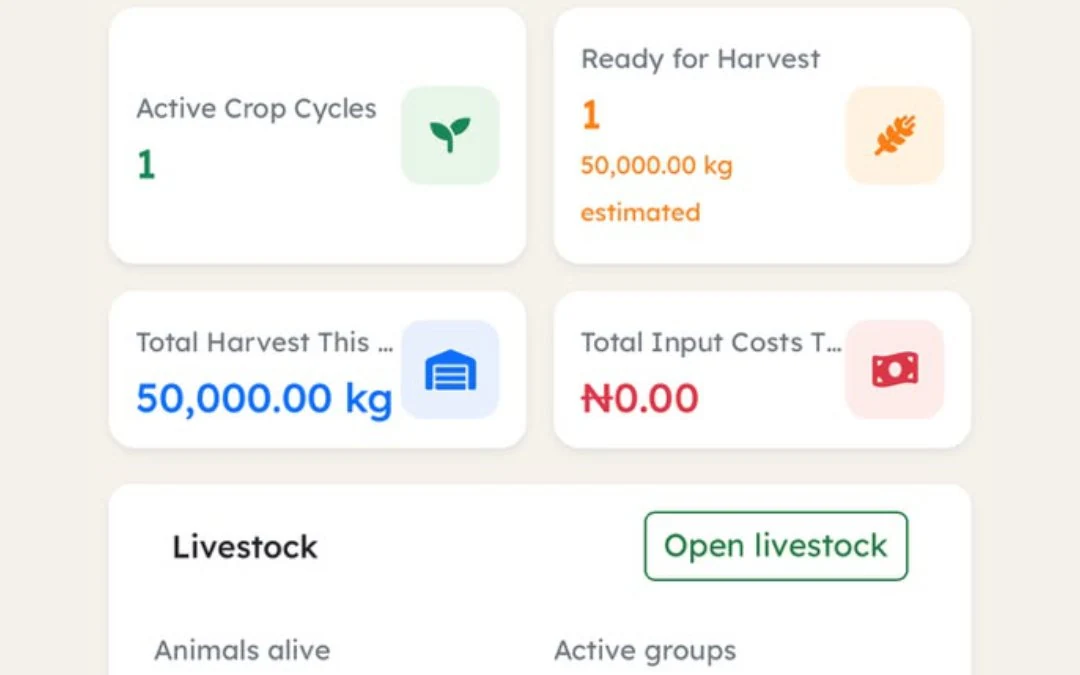
When a buyer calls, you can say how many kilograms are ready and of what grade. Your cost per kilogram sits beside it. Record your next crop cycle and the answer is on one screen.
Each crop shows where it is: growing, ready for harvest or harvested.
Each batch gets its own number and grade.
Every input is recorded and posted to your farm records.
Record the buyer, quantity and price you agreed.
Active cycles, kilograms ready, harvest and input cost this year.
Your input costs divided by the kilograms you harvested, worked out for each crop cycle on the Farm reports screen.
One tap from a batch to a listing. The crop, grade, quantity and location are filled in from the batch.
Yield against your estimate, kilograms left in store, input cost and cost per kilogram for each crop cycle, with your offtake agreements beside them.
Each flock, herd or pond with its feed, medicine and deaths, and what each animal has cost you. Sell animals, eggs, milk or fish and see the profit on each batch.
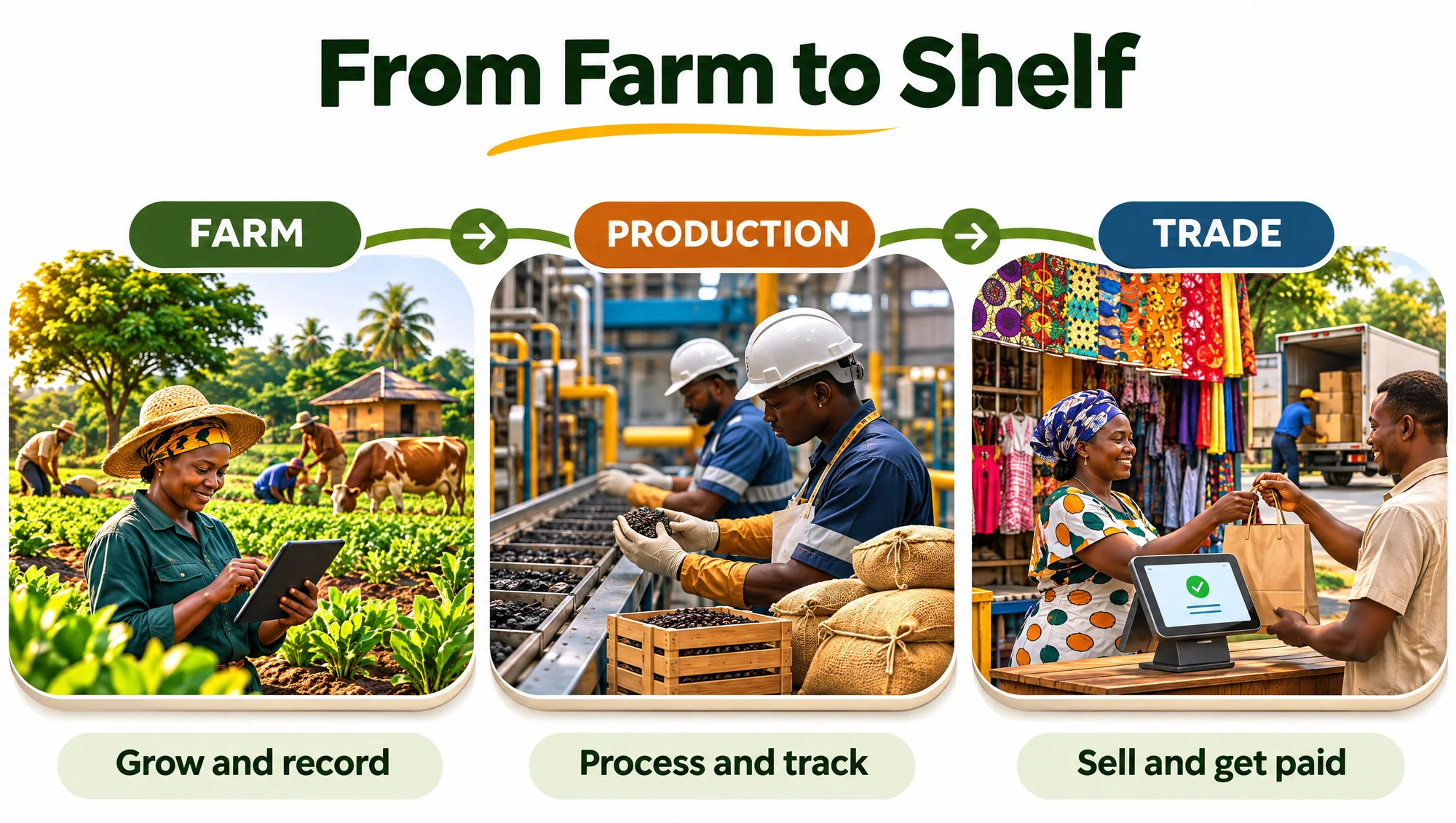
Turn your produce into packaged goods with recipes and production orders, in the same account as your farm.
Yes. Each one works on its own. You turn on only the ones your business needs, and you can add the others later.
Crops and animals. For crops, record each crop cycle and its land area, every input you pay for, each harvest batch with its weight and grade, and the offtake you agree with a buyer. For livestock, poultry and fish, record each flock, herd or pond, the feed and medicine it uses and the deaths, and see what each animal has cost you.
Still have a question about your business? Talk to the AADOPS Team
Record a crop cycle today and see your harvest ready to sell.

Add AADOPS to your home screen