
You make products from raw materials
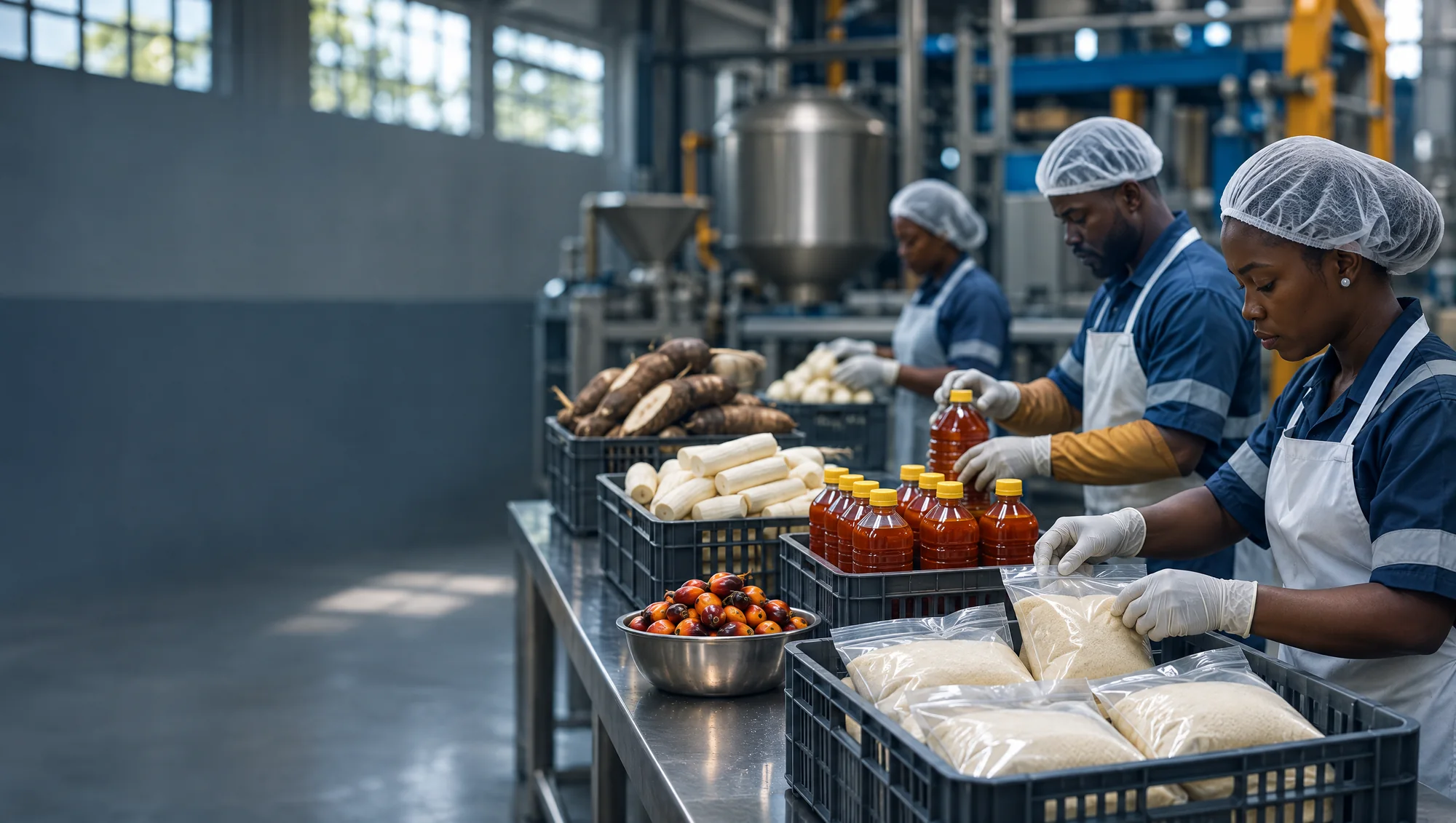
Bakeries, food processors, water factories, soap and cosmetics makers.
For workshops and processors of every size.
Each order takes its materials from stock and puts the finished goods back into stock, ready to sell.
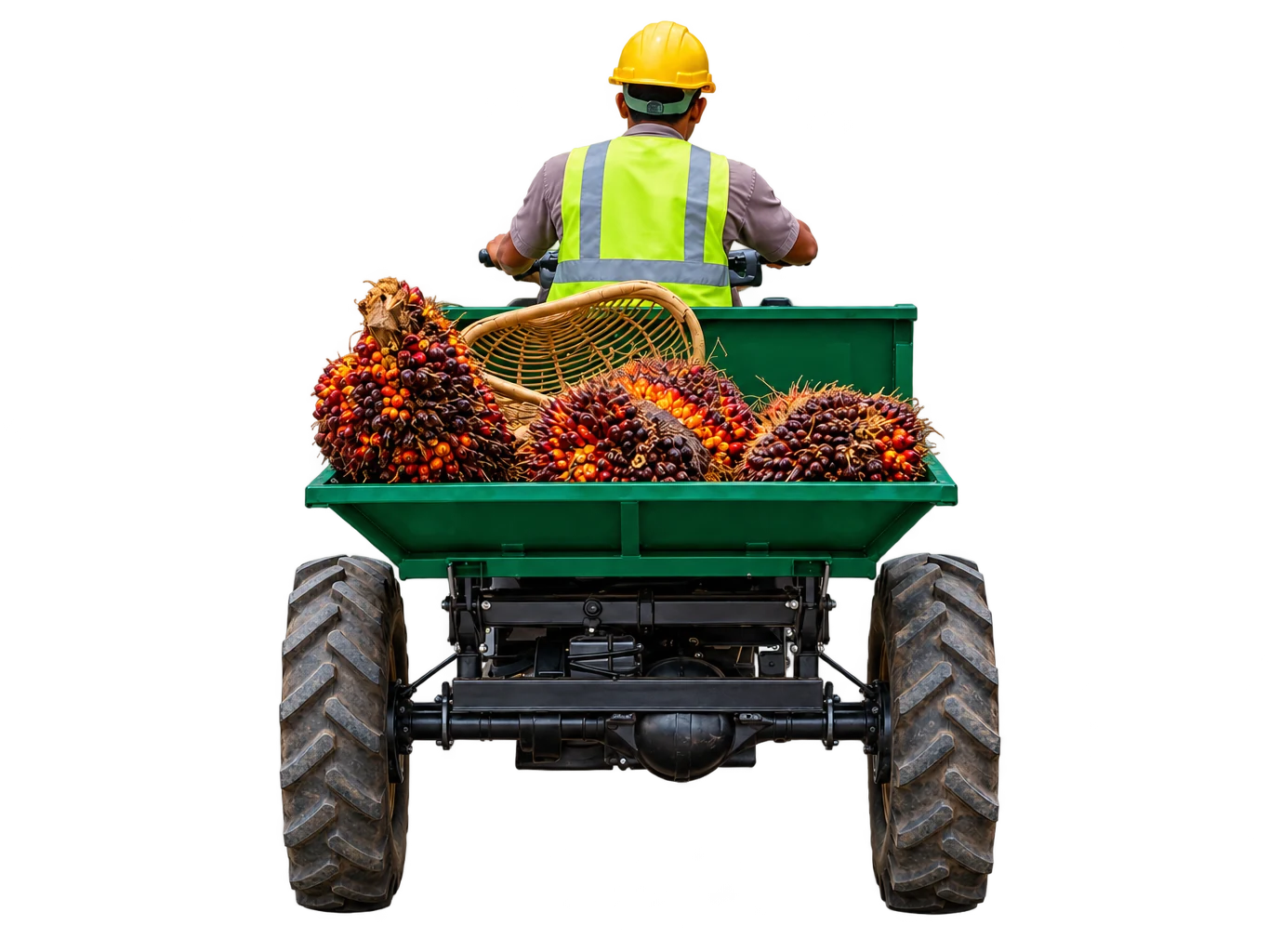
Bakeries, food processors, water factories, soap and cosmetics makers.
You want to see what each production run used, including waste.
Finished goods should be ready to sell as soon as they are made.
List the materials and quantities for one unit, with an allowance for waste.
AADOPS checks that the materials are in stock.
Materials are taken from stock, converted between units where needed.
The goods go into stock, ready for your shop or for buyers.
A production order from recipe to finished goods, shown with sample data.
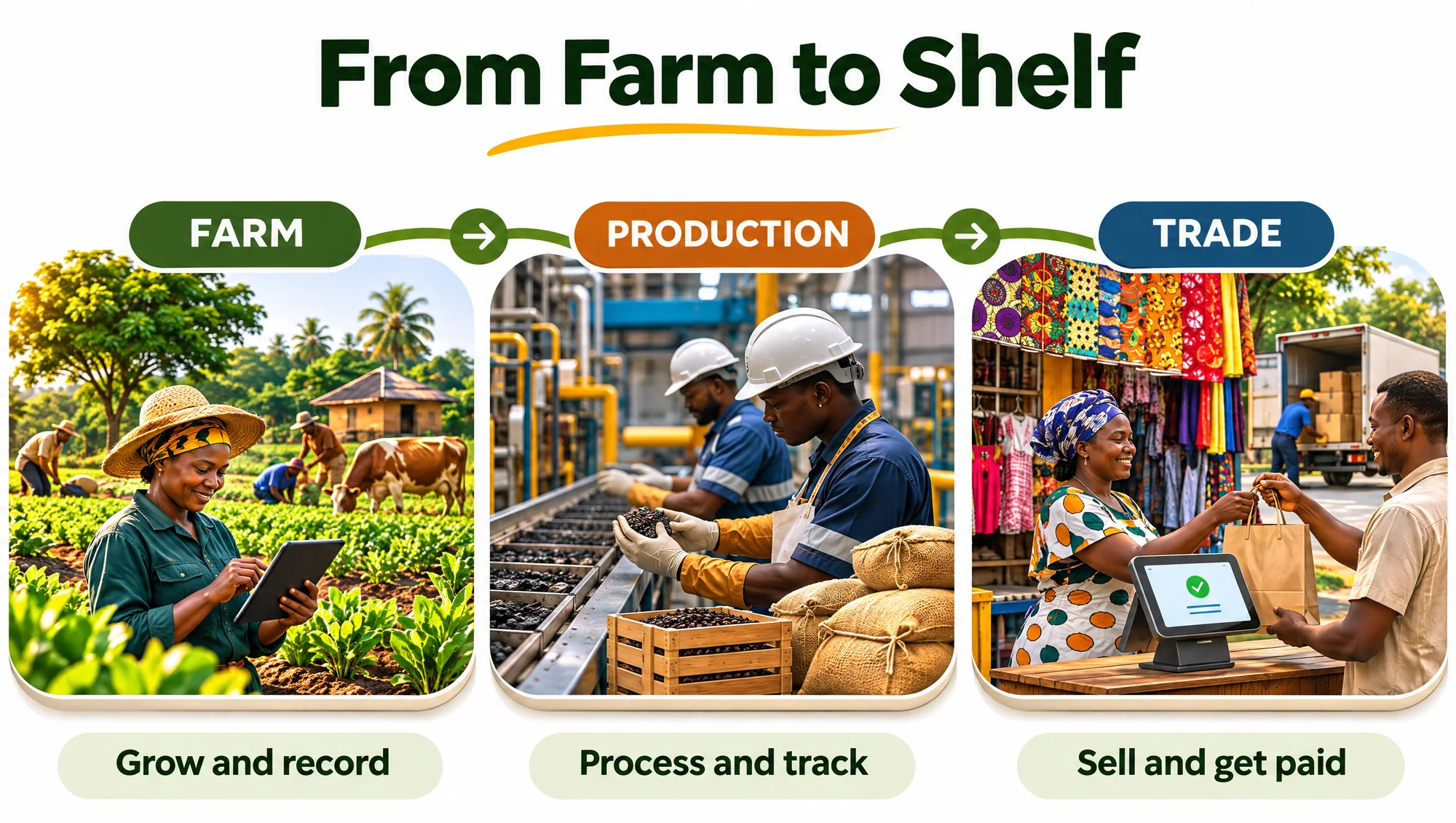
Before a run starts, AADOPS checks the materials are in stock. When it ends, the finished goods are counted into stock, ready to sell.
Recipes with units and waste.
Every run is recorded.
Units are converted for you.
Ingredients are taken from stock when you sell.
Receipts adjust stock.
Efficiency, material yield and recipe use.
Yes. Mark a product as made to order and its recipe materials are taken from stock at the moment of sale.
Still have a question about your business? Talk to the AADOPS Team
Set one recipe and see the materials and finished goods move.

Add AADOPS to your home screen