
You run a shop or supermarket
You want a fast counter, receipts and a stock count you can trust.
For shops, supermarkets, wholesalers and distributors.
Sell for cash or on credit and buy from your suppliers. AADOPS keeps the stock count for every warehouse and shows who owes you, and for how long.

You want a fast counter, receipts and a stock count you can trust.
You want to know who owes you money and how much.
Stock moves between warehouses and you want every move recorded.
Type them in or bring them in from Excel, with categories, brands, units and barcodes.
Record purchases from suppliers into the right warehouse.
Use the counter with a barcode scanner and receipt printer, or sell on credit.
Record part payments and returns. See who owes you and for how long, and pay a supplier against the purchase it settles.
The counter and what each customer still owes you. The figures are sample data.
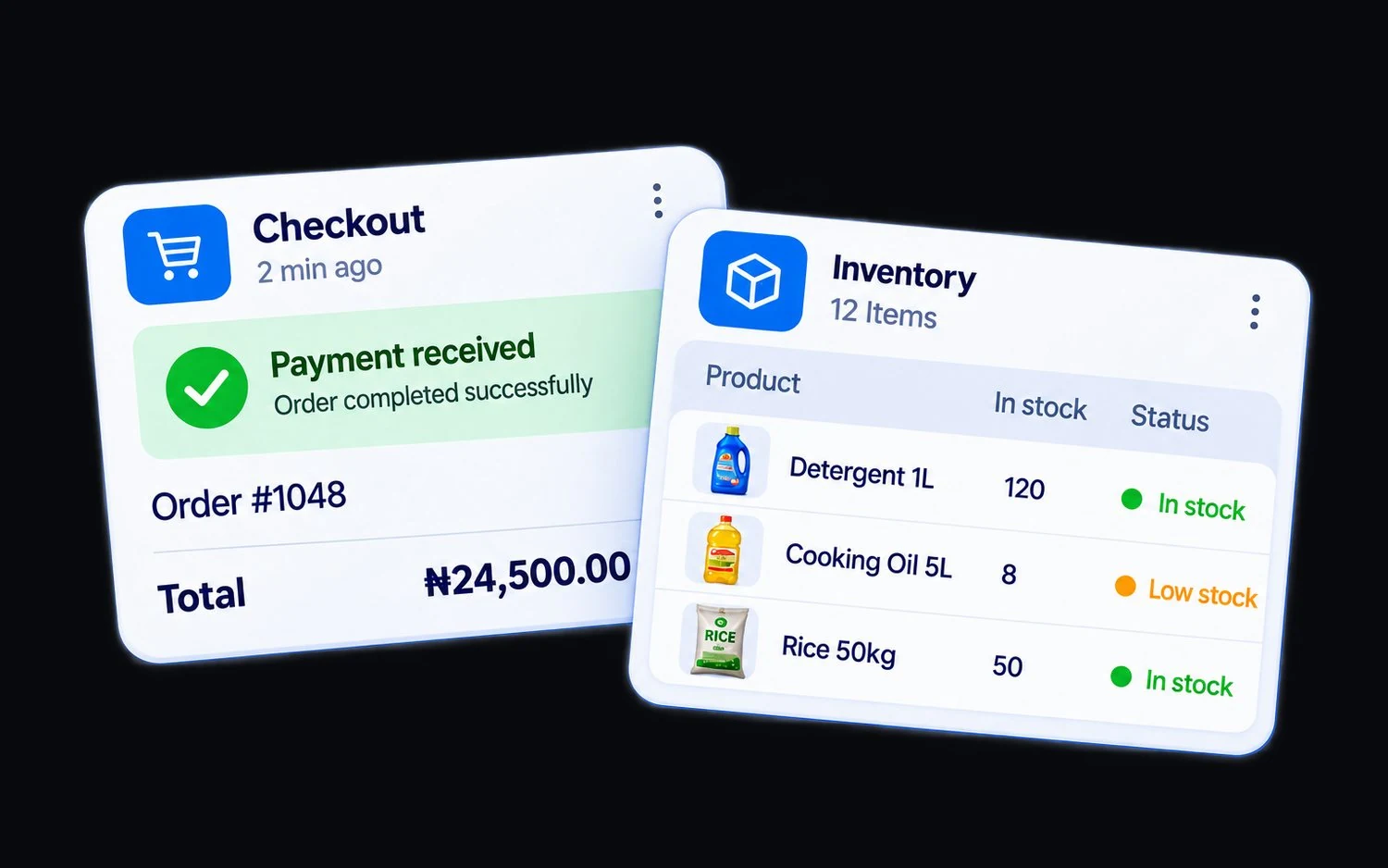
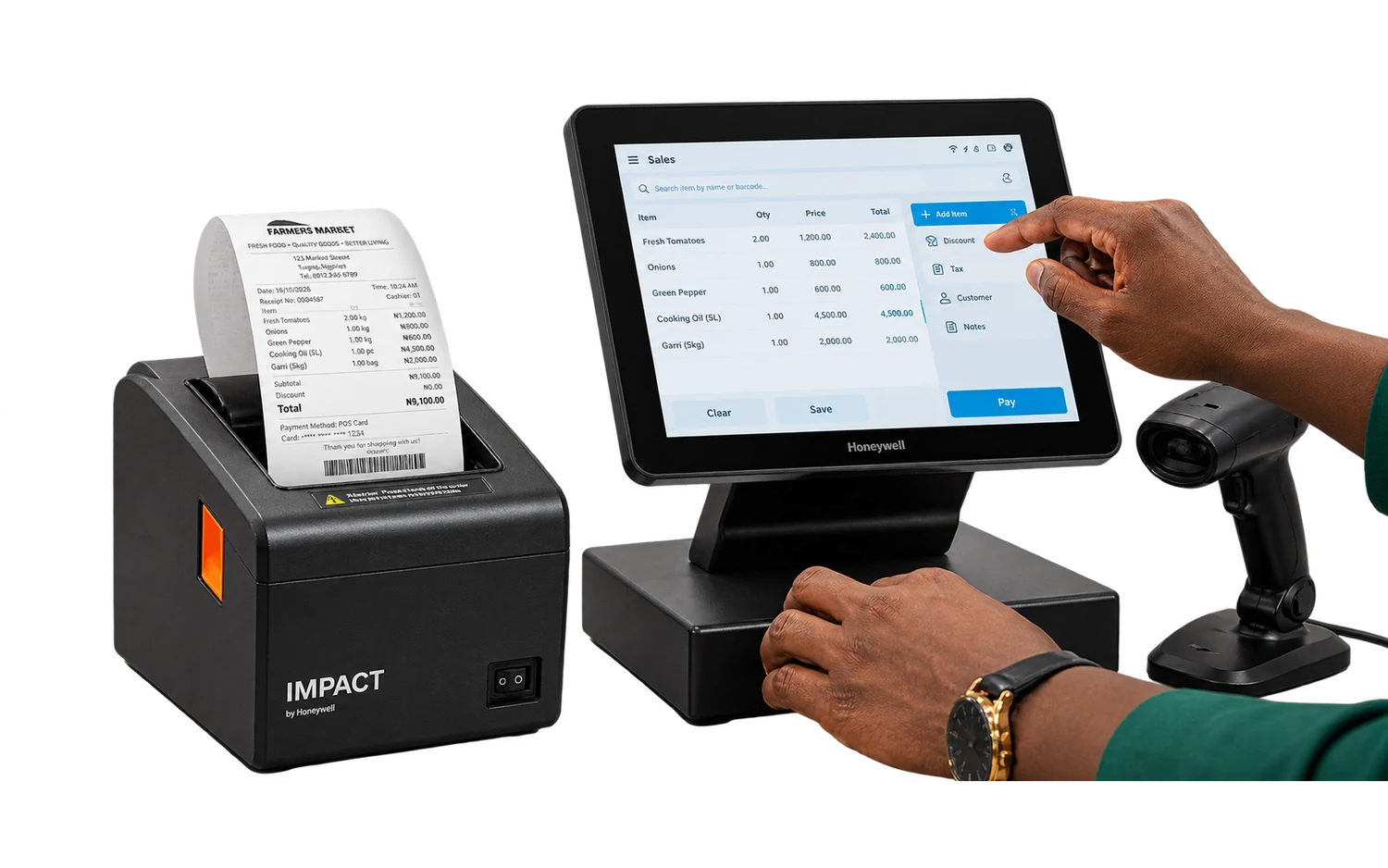
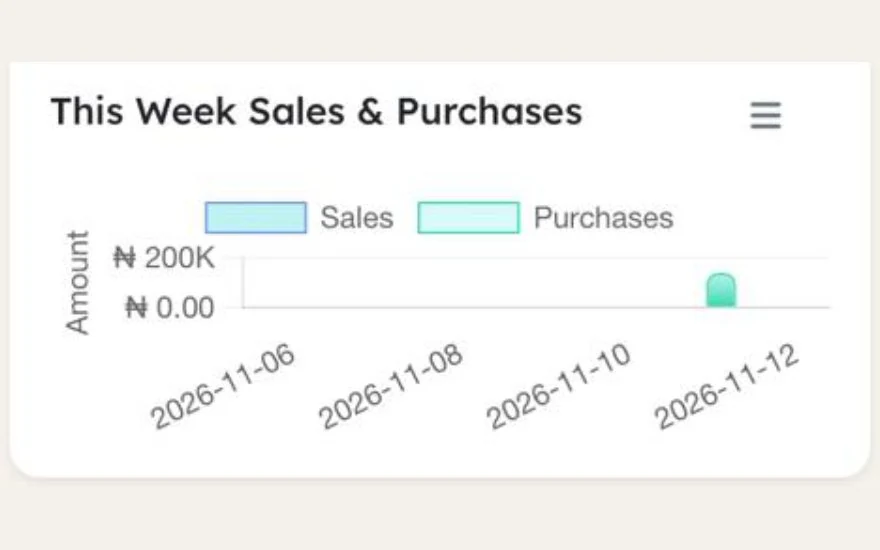
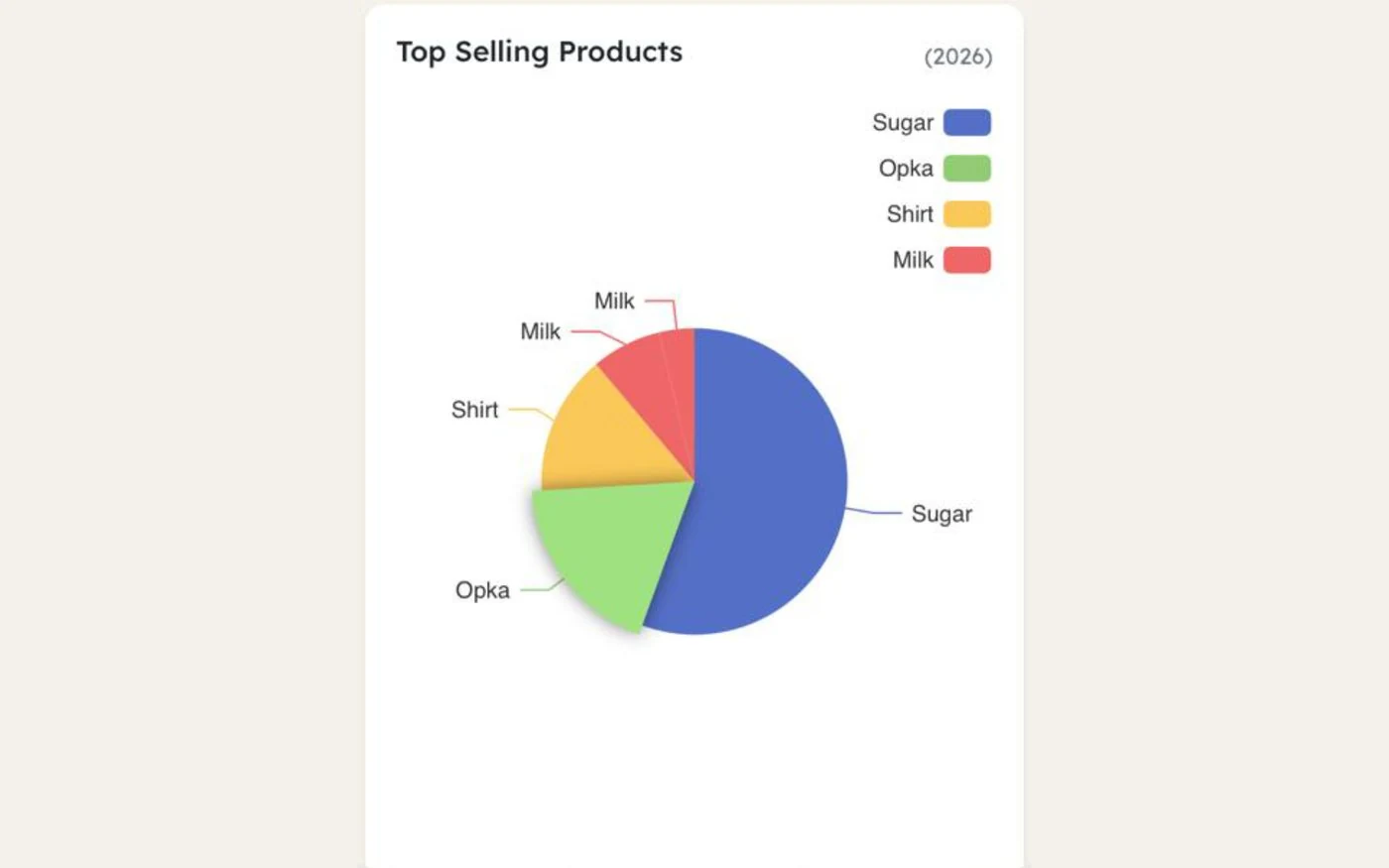
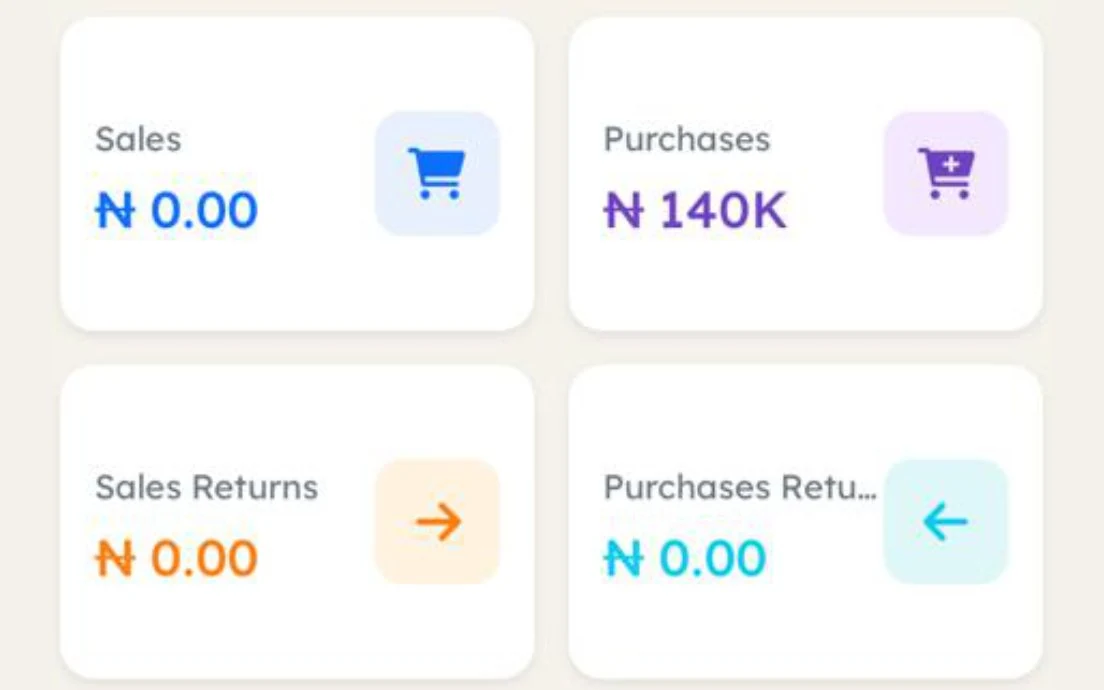
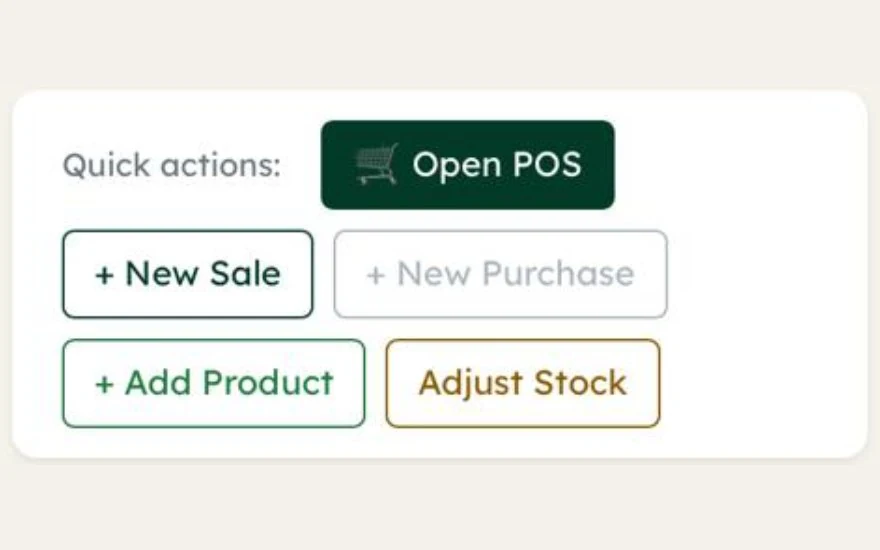

Scan the barcode and print the receipt. Credit goes next to the customer's name, and part payments bring the balance down. Bring your products in from Excel and start selling.
Search or scan, take payment, print a receipt.
With quick add and product images.
Each import has a sample file.
With a register report.
Your customer sees the items and total.
Serve the next customer while one waits.
Send a price before the sale.
Every move recorded.
Print labels for your products.
Sizes, colours or your own variation types on one product.
With part payments to suppliers.
Discounts with limits, tax rates and expense categories.
Amount due and customer balance report.
A threshold per product and a dashboard list.
Sent through your own Twilio or Vonage account.
See what has expired and what expires in the next 30 days, on your dashboard and in one list. You choose how many days.
Record the batch number and expiry date of every delivery, or a serial number for each phone or machine. Each sale takes the stock that expires first, and expired stock is held back at the till.
Each customer's debt in 0 to 30, 31 to 60, 61 to 90 and over 90 days, and what you owe each supplier the same way. Print a statement with the running balance, as PDF or Excel.
Bring your products, customers and suppliers in from Excel, saved as CSV. Each import screen gives you a sample file to fill in, so the columns match the first time.
Still have a question about your business? Talk to the AADOPS Team
Add your products from Excel and sell at the counter today.


Add AADOPS to your home screen